Unicode vs. "Fonts"
Stylized text you see in usernames (bold, italic-looking script, circled letters, and similar) is usually not a font in the traditional sense — it is a set of separate Unicode characters that happen to visually resemble a styled version of the alphabet. That distinction matters because support for these characters varies by device, app, and font, unlike a font applied by software you control.
Code Points, Not Font Files
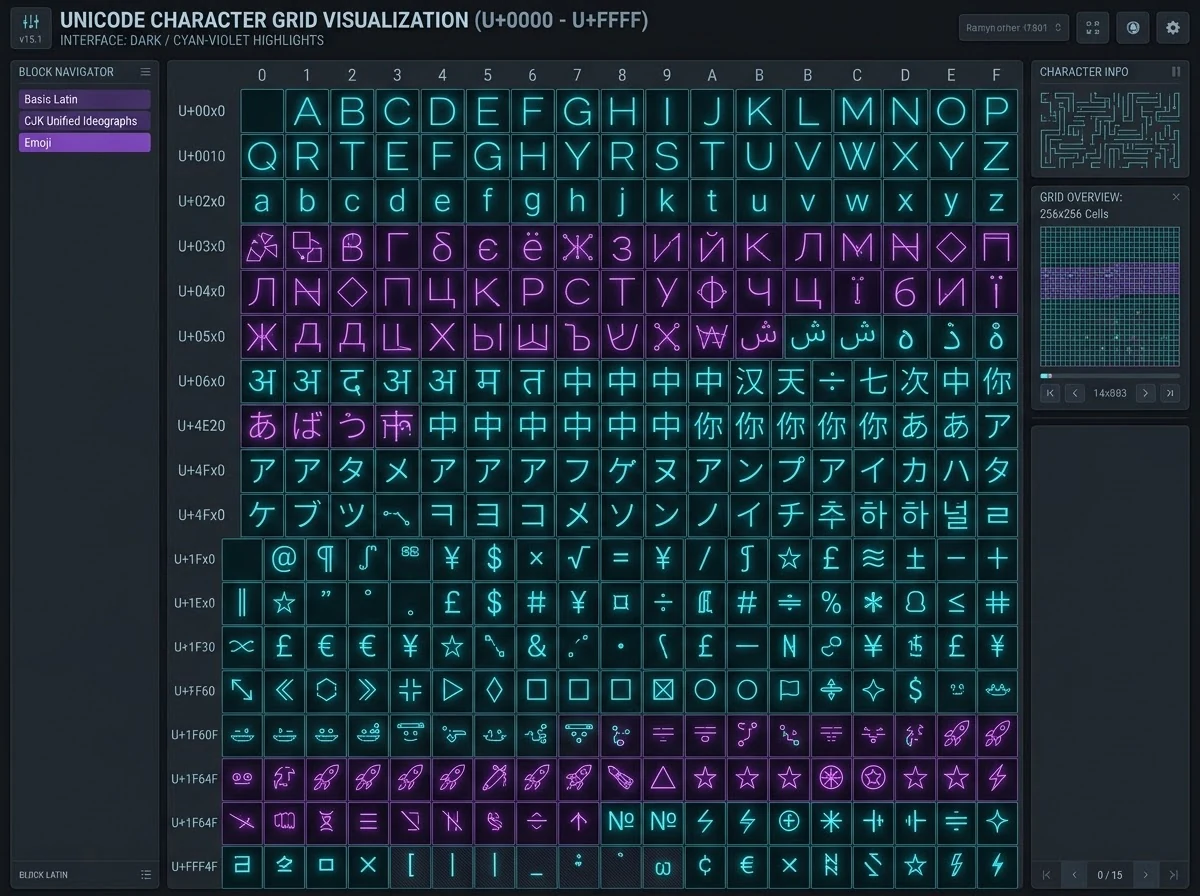
Every character you can type, including a plain letter, is stored as a Unicode code point: a fixed number identifying exactly which character it is. A regular "A" and a stylized look-alike "A" are entirely different code points, even if they look nearly identical side by side. Whether either one displays correctly depends on the receiving device having a font with a drawn glyph for that specific code point — something you have no control over as the person typing the name.
How "Fancy Text" Alphabets Actually Work
Generators that produce "fancy fonts" aren't applying typography at all — they substitute each letter with a look-alike code point from another Unicode block, one designed for things like mathematical notation, repurposed because its shapes resemble bold, italic, or circled letters. The result behaves like text but is built from characters most platforms were never designed to expect in a username field, which is the root cause of most compatibility issues covered below.
Decorative Characters
Symbols, dividers, and ornamental characters can frame a name effectively when used with restraint. The more of them you add, the more likely at least one will fail to render correctly somewhere. This category includes widely supported dingbats and geometric shapes as well as much rarer symbol blocks that were added to Unicode for niche technical purposes and were never tested for legibility at small sizes or broad font coverage.
Combining Characters
Some decorative effects layer multiple Unicode combining marks onto a single letter. Ordinary accented letters like é or ñ are combining characters too, and those are extremely well supported because they're common in everyday languages. The riskier version is stacking several decorative marks — strikethroughs, underlines, or "glitch text" effects — onto one base letter: piling them on is the most likely way to end up with boxes or silently stripped characters, since each mark is another code point the rendering font has to support individually.
Readability
Even when a stylized character renders correctly, it can be harder to read quickly than plain text, especially at small sizes. Test any styled name at the actual size it will typically appear before committing to it. It also helps to remember that character count and visual width aren't the same thing: some stylized code points are drawn wider or narrower than a standard letter, and some combining marks add no width at all, so two names of the same technical length can look noticeably different in size on screen.
Copy/Paste Behavior
Stylized Unicode text copies and pastes as the actual character, not as a font, so it looks the same (or fails the same way) wherever it's pasted — unlike a font, which depends on the receiving app having that font installed.
The catch is that copy/paste can silently carry problems along with it. Copying a decorated name from an app that supports a rare code point and pasting it into a field that doesn't can succeed with no error message, while the platform quietly drops or substitutes the unsupported characters. Always paste into the actual field you plan to use, not just anywhere that seems to display it, and check the result before saving.
Compatibility Differences
Different platforms, operating systems, and even different versions of the same app can render Unicode ranges differently. A name that looks perfect on your own phone is not guaranteed to look the same on someone else’s device.
Font Fallback Behavior
When a device meets a code point its default font can't draw, it falls back to another installed font that can, if one is available. That's why the same stylized name can look crisp on one phone and slightly different, or replaced with a generic placeholder box, on another — the fallback fonts installed on each device aren't the same, and neither is the order the system searches them in.
Platform-Side Filtering
Beyond what a device's fonts can draw, many platforms actively filter usernames before they're ever displayed. Character allowlists, moderation systems, and normalization steps can strip, replace, or reject symbol ranges the platform considers unsupported, independent of whether the character would otherwise render fine — and that filtering can change without notice after an app update, which is one reason a name that worked last year can stop validating today.
Copy-Paste Across Apps
The same name can travel differently depending on the apps in a copy-paste chain. A chat app, a browser address bar, and a game's in-app text field can each apply their own text-processing rules on the way in, so testing a name in one context doesn't guarantee it behaves identically in another, even on the same device.
- Safest: a small number of widely-supported symbols (simple stars, dots, basic brackets) used once, at the start or end of a name.
- Riskier: combining diacritics layered onto letters, or rare symbol blocks — these are the most likely to render as boxes or get silently stripped by strict platforms.
- Always: test the exact final name on the exact platform you'll use it on, since neither category is guaranteed and support changes over time.
- Keep a fallback: note down the plain-text version of your name before you decorate it, so you have something to switch to immediately if the styled version gets rejected or mangled.
| Category | What it is | Typical compatibility |
|---|---|---|
| Accented Latin letters | Diacritics common in everyday languages (é, ñ, ü) | Very high — supported almost everywhere |
| Combining marks | Marks layered onto a base letter for extra decoration | Drops sharply as more marks are stacked on one letter |
| "Fancy" mapped alphabets | Look-alike letters borrowed from math or enclosed-character blocks | Variable — depends on the specific block and platform |
| Symbols and dingbats | Stars, arrows, and other non-letter ornaments | Good for common ones; poor for obscure symbols |
Accessibility Considerations
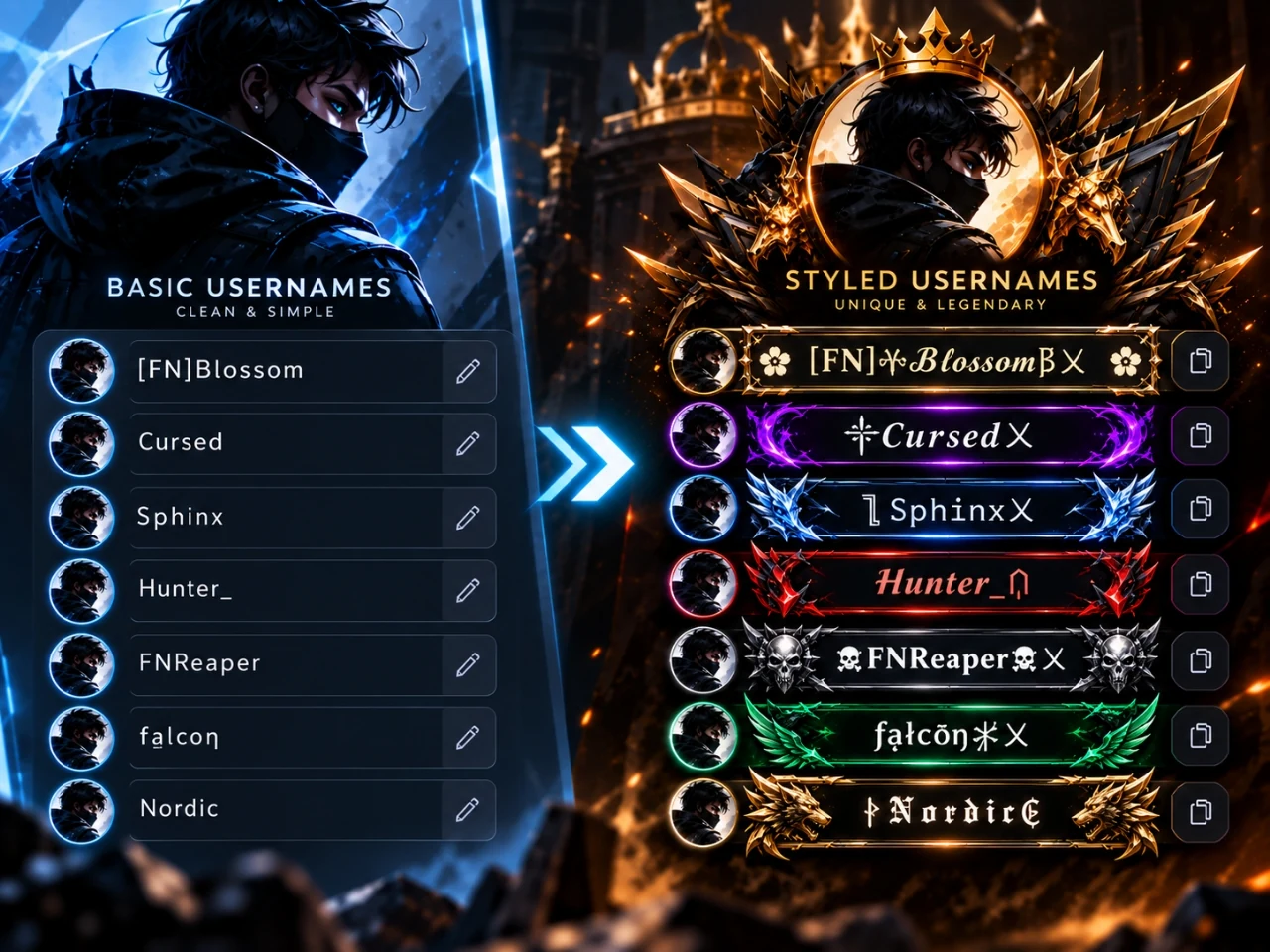
Heavily stylized text can be difficult or impossible for screen readers to interpret correctly, which matters if accessibility is a concern for your audience. A screen reader has to recognize a code point as a letter to read it aloud as one; look-alike characters from unrelated Unicode blocks are not guaranteed to be recognized that way, and some are read out as unrecognized symbols or skipped entirely. Plain, readable text remains the most universally accessible option.
Restrained Use in Practice
A workable approach is to keep the core name in plain, readable characters and use Unicode styling only as a light accent — a symbol at the start or end, rather than restyling every letter. You can preview real style examples using NickFinder’s symbols library and name generator before committing to a heavily decorated version.
No styling choice is universally supported everywhere — the safest approach is to test your specific name on the specific platforms you plan to use it on, rather than assuming compatibility.
- Paste the exact decorated name into the actual username field on the actual platform you'll use — not just a preview page.
- Confirm it saves and re-displays correctly after a refresh, since some filtering only happens on save.
- Check readability at the smallest size it's likely to appear, such as a scoreboard or chat list.
- Keep a plain-text fallback ready in case the styled version gets rejected or mangled.
This applies whether you're styling a gaming name, a PUBG or Free Fire tag, or a social media username.
Frequently Asked Questions
Is stylized username text an actual font?
No — it's usually a set of separate Unicode characters that happen to visually resemble a font style. That's also why it copies and pastes as the actual characters, not as a font file.
Why do some stylized names break on other devices?
Different platforms, operating systems, and even different versions of the same app can render Unicode ranges differently, so a name that looks correct on your own phone isn't guaranteed to display the same way for someone else.
Why did my copied symbol turn into a box or a question mark?
That placeholder means the device recognized a character exists at that code point but has no installed font with a glyph to draw it. The character itself isn't damaged — it will often display correctly on a different device with broader font coverage, but you shouldn't assume that will be true everywhere.
Preview real symbol combinations directly, or generate a styled name.